

Sign in
Go to ip.world and sign in with X, Google, email, or an external wallet (MetaMask, Phantom, Rabby, etc.). Two embedded wallets — one on Story, one on Solana — are created for you automatically in the background.Onboarding
After sign-in, the app walks you through setup. Every step is skippable — you can come back to any of them later.1
Referral code
Enter a referral code or 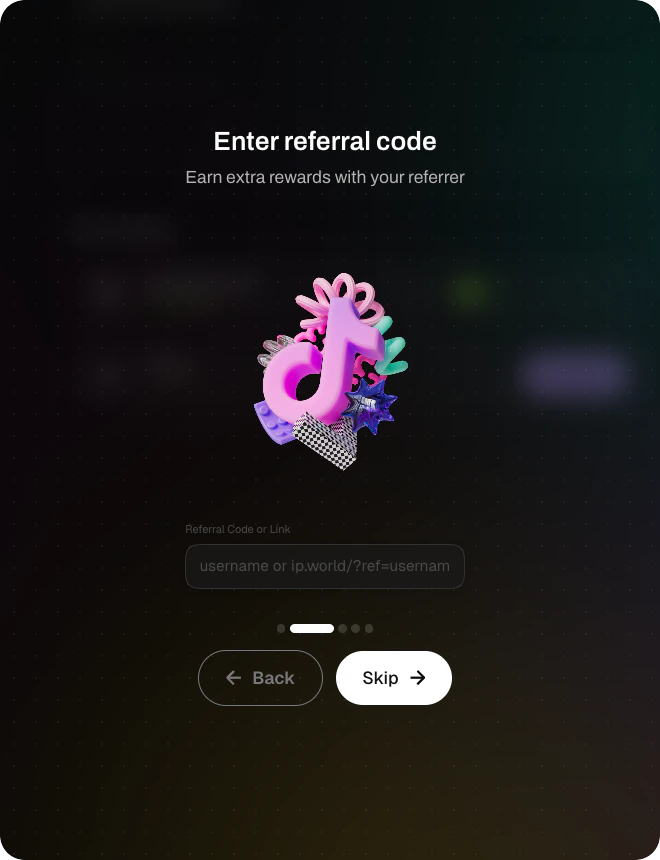
ip.world/?ref= link to earn extra rewards alongside whoever invited you. Already landed via a ref link? The code was saved automatically — you can skip this step.2
Create your profile
Pick a username, add a bio, and upload an avatar. Username is optional but required for the leaderboard and referrals to work properly.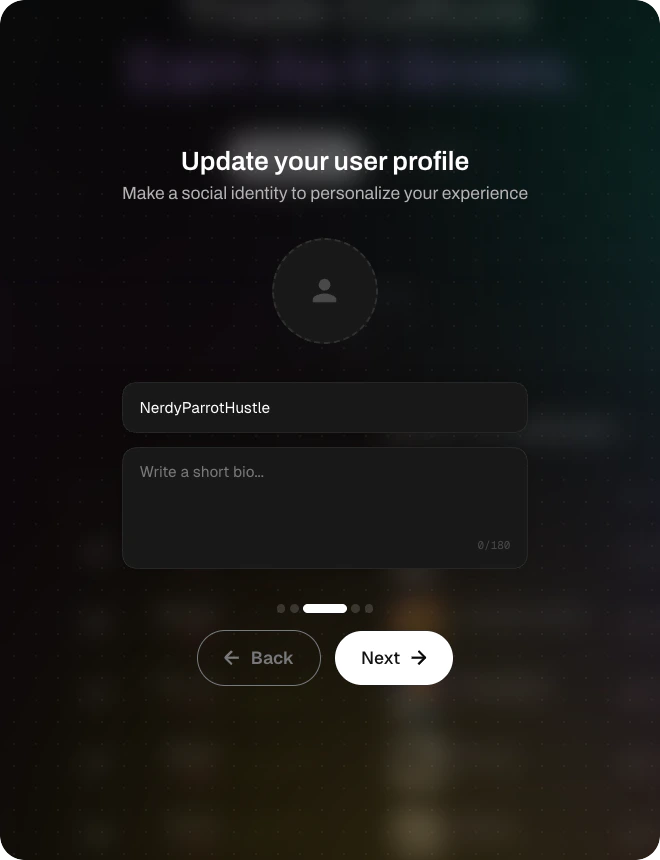
3
Connect socials
Link your X and/or TikTok accounts. This is what qualifies you for UGC rewards — if you plan to earn from posting, do this now.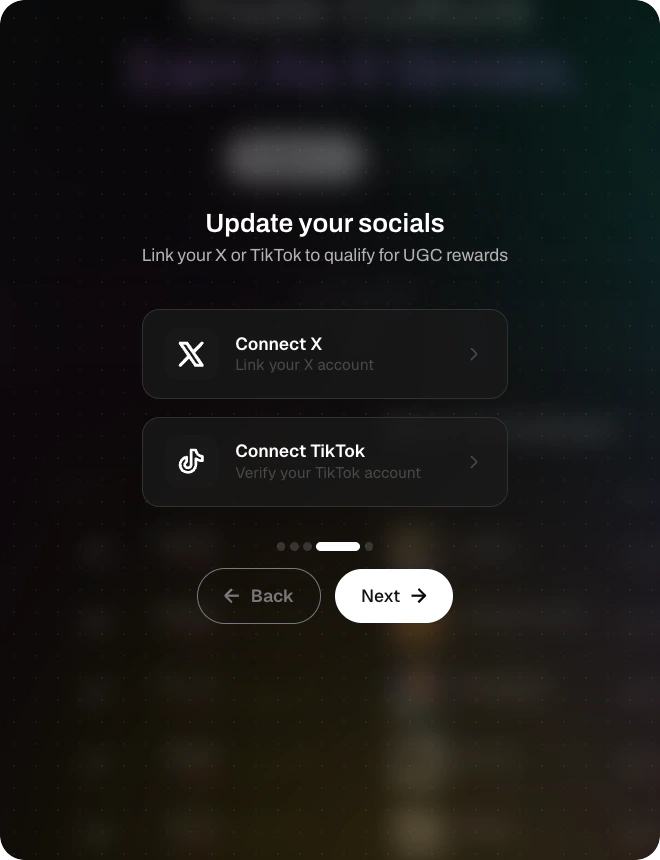
4
Fund your wallet
Send $IP or $USDC to your Story wallet, or $SOL / $USDC to your Solana wallet. Scan the QR code, copy the address, or tap Purchase directly to buy with a card.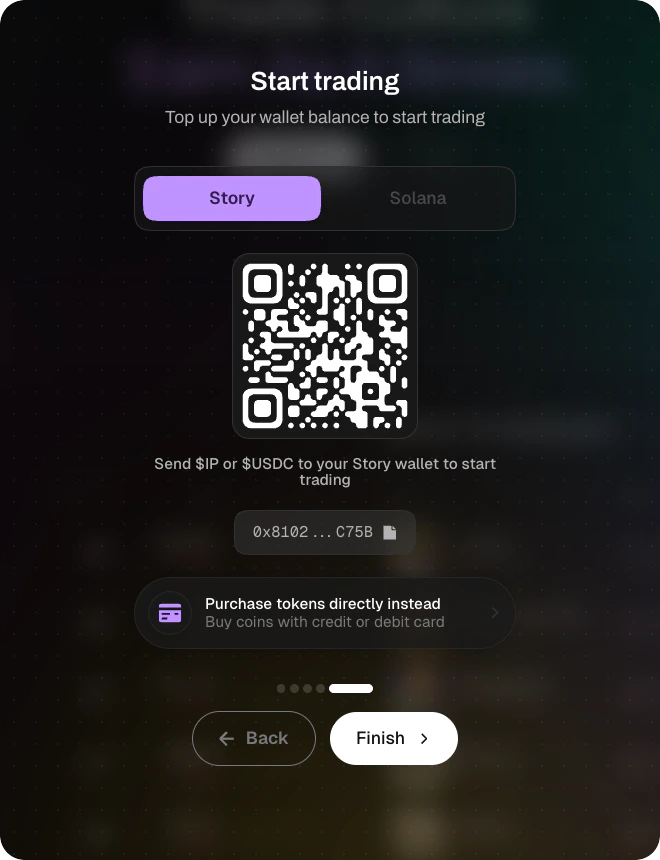
Make your first trade
Open Explore, pick a token, and hit Buy. That’s it — you’re in. For details on pay assets, slippage, and cross-chain swaps, see Trading overview.What’s next
Rewards
Points, referrals, UGC, holder rewards, and treasury — five programs, all different.
Launch a coin
Create your own Trend and Token.
Verification
Claim your Trend as the real creator and unlock owner fee routes.
Stuck? Refresh, sign out, sign back in. Embedded wallets re-provision automatically. Still broken? Discord.